Settings
Unit measurement preferences
You can customize the units used throughout the app to match your preferences.
Updated
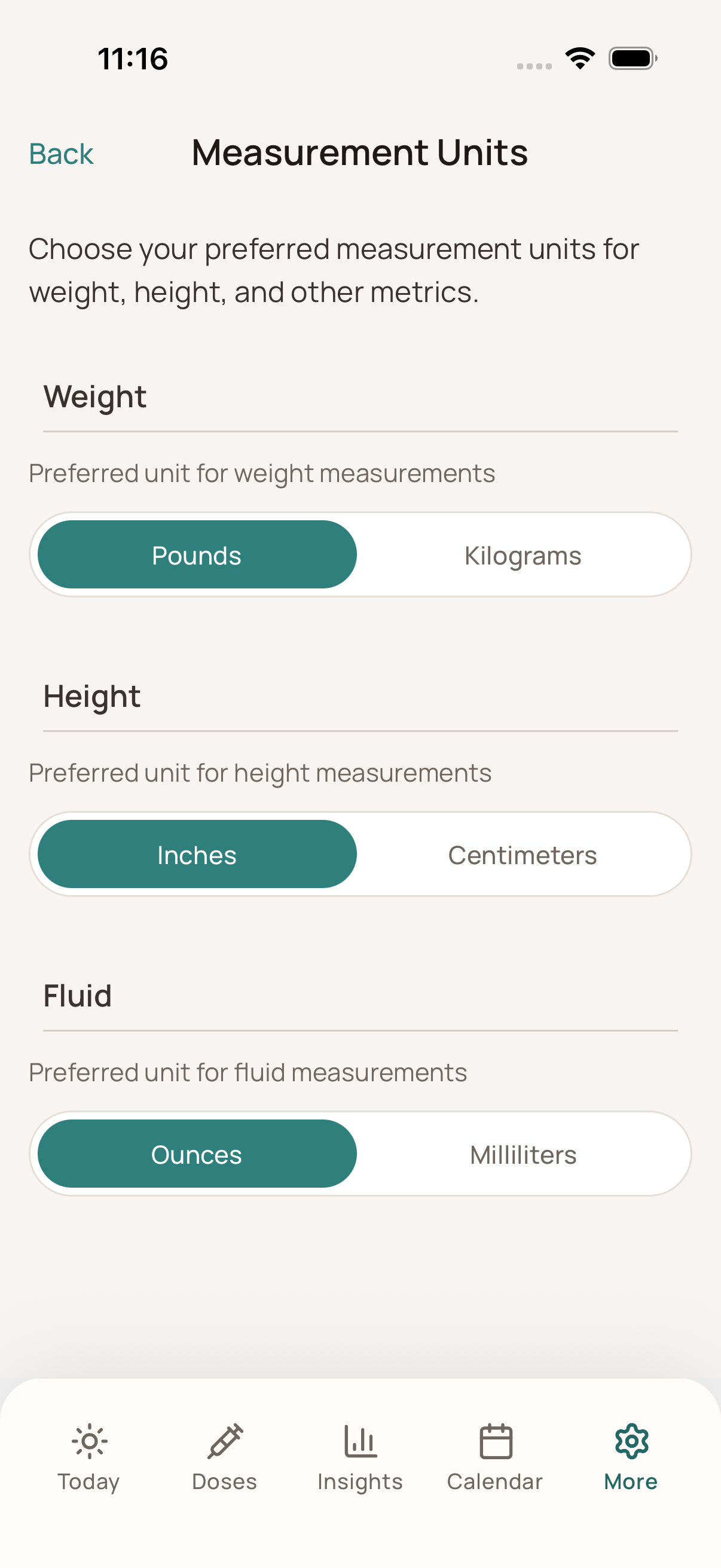
Go to Settings -> Measurement Units.
Select your preferred unit for each category: * Weight: kg, lbs, st * Fluid intake: ml, fl oz * Height: cm, ft/in Your changes save automatically and apply immediately across all screens and charts.