Insights & progress
The Visual Progress functionality
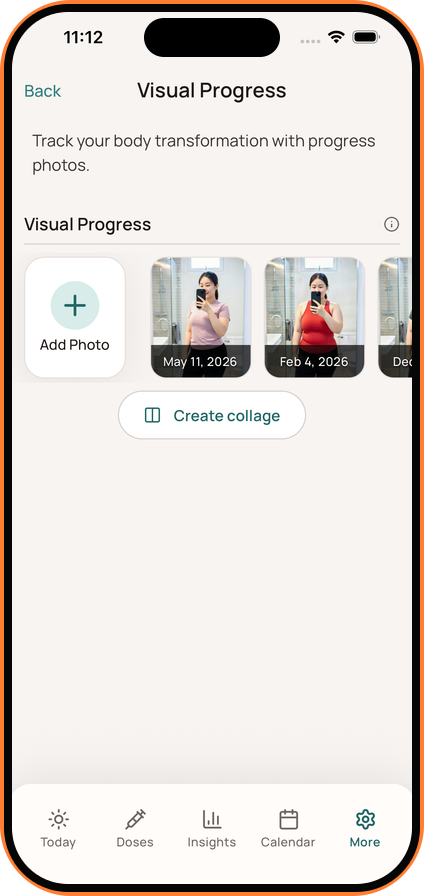
Use Dosio Visual Progress to store private GLP-1 progress photos and compare changes over time.
Updated
Adding a Photo
- Open Visual Progress from the Today screen or Settings > Visual Progress.
- Tap the + (Add) button.
- Select a photo from your library or take a new one.
- The photo will be securely stored and dated.
Viewing Your Gallery
- Tap on any photo to view it in full screen.
- Scroll through your history to see your transformation over time.
Creating a Collage
- Tap Create Collage.
- Select photos to generate a side-by-side comparison image that you can save or share.
The free version lets you try Visual Progress with a limited number of photos. Dosio Pro provides unlimited progress-photo storage.