Schedules & reminders
Setting up reminders for your medication
Set up GLP-1 medication reminders in Dosio so upcoming dose days are easier to anticipate.
Updated
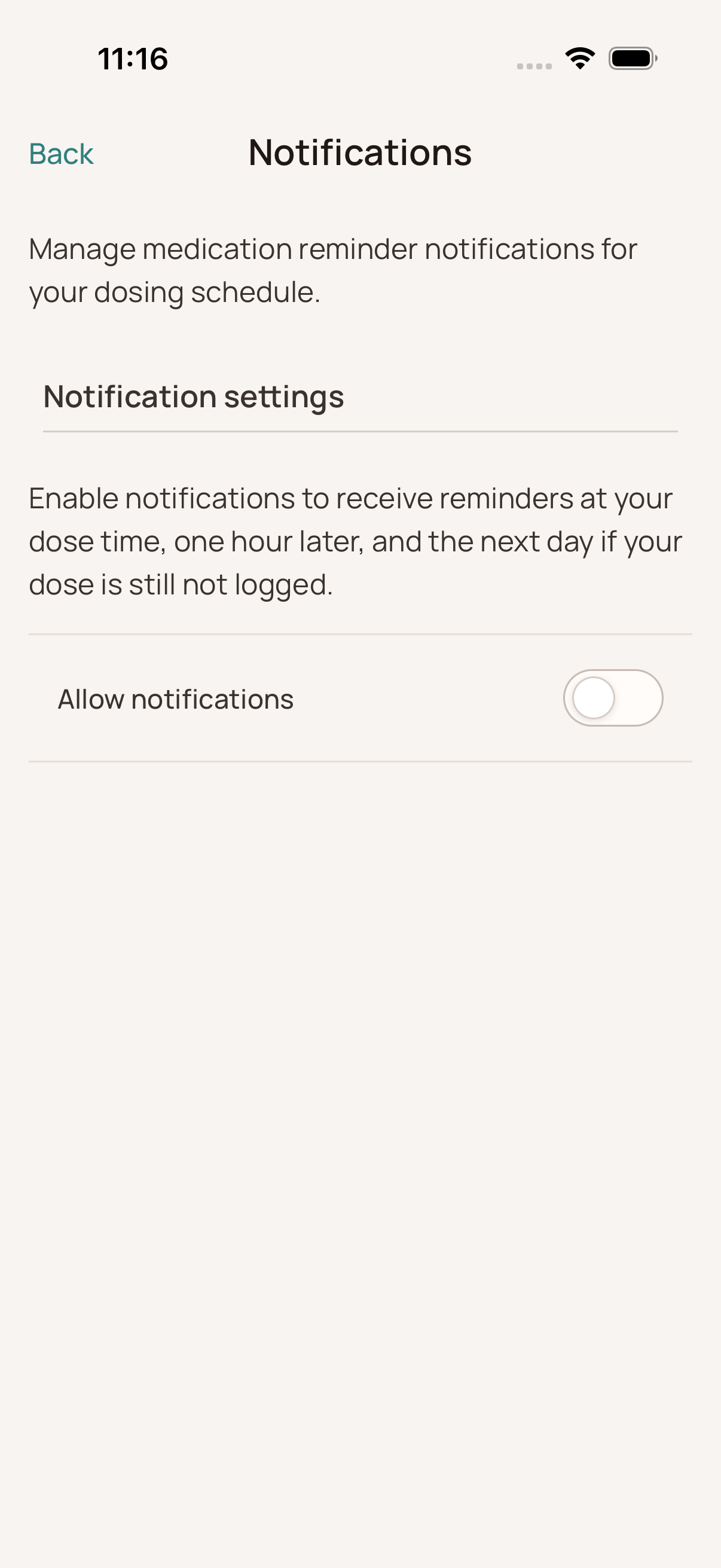
Enable Notifications
- Go to Settings > Notifications.
- Toggle the switch to On.
- If prompted, tap "Allow" to grant the app permission to send notifications.
When will I get reminded?
Reminders are based on the Preferred Time set in your Medication Schedule. When reminders are enabled, Dosio can notify you:
- At the scheduled dose time.
- One hour later if the dose has not been logged.
- The next day if the dose is still not logged.
Changing the Reminder Time
To change when you get the alert, you need to update your schedule:
- Go to Settings > Medication Schedule.
- Tap Update Schedule and change the Preferred Time.
Your phone's system notification settings can still prevent notifications from appearing. If reminders are enabled in Dosio but do not arrive, confirm that notifications are also allowed for Dosio in the device settings.