Settings
Exporting your data
Export GLP-1 dose history, weight, side effects, and health data from Dosio as PDF or CSV.
Updated
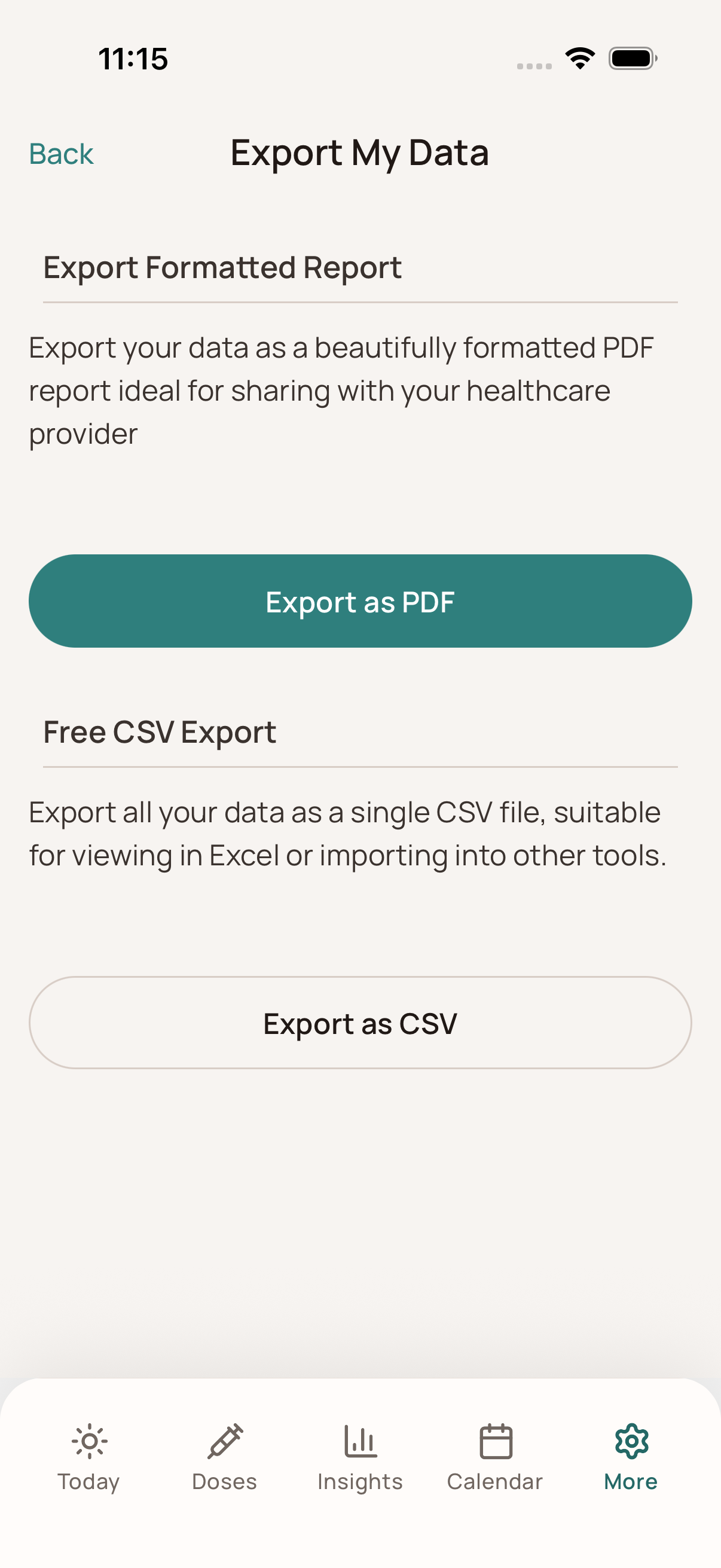
Go to Export Settings
- Navigate to Settings (or Profile).
- Tap Export Data.
Choose Export Type
- PDF Report (Dosio Pro): A beautifully formatted report perfect for doctor visits. It includes:
- Dose history and schedule context.
- Weight and health-metric history.
- Side effects and other logged details.
- CSV Export (Free): A raw data file containing all your logged entries. Ideal for importing into spreadsheets (like Excel or Google Sheets) for your own analysis.
Share or Save
After the export is generated, a share sheet will appear allowing you to email the file, save it to your phone, or print it.