Settings
Apple Health integration
Connect Dosio with Apple Health to sync GLP-1 weight, calorie, protein, and water data.
Updated
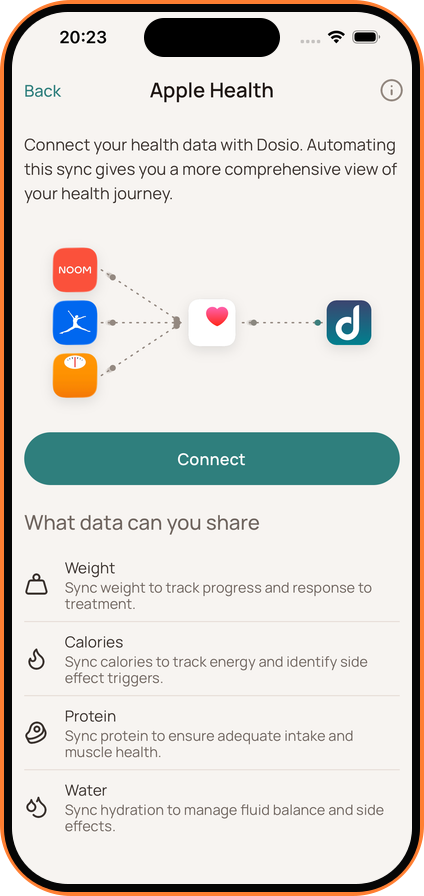
Connect to Apple Health
- Go to Settings > Apple Health.
- Tap Connect to enable the integration.
Grant Permissions
- In the permission prompt, turn on the categories you want Dosio to access:
- Weight
- Dietary Energy (Calories)
- Dietary Protein
- Dietary Water Sync is automatic. Dosio will import new data from Apple Health to keep your charts up to date.
Note: This feature is available with Dosio Pro.